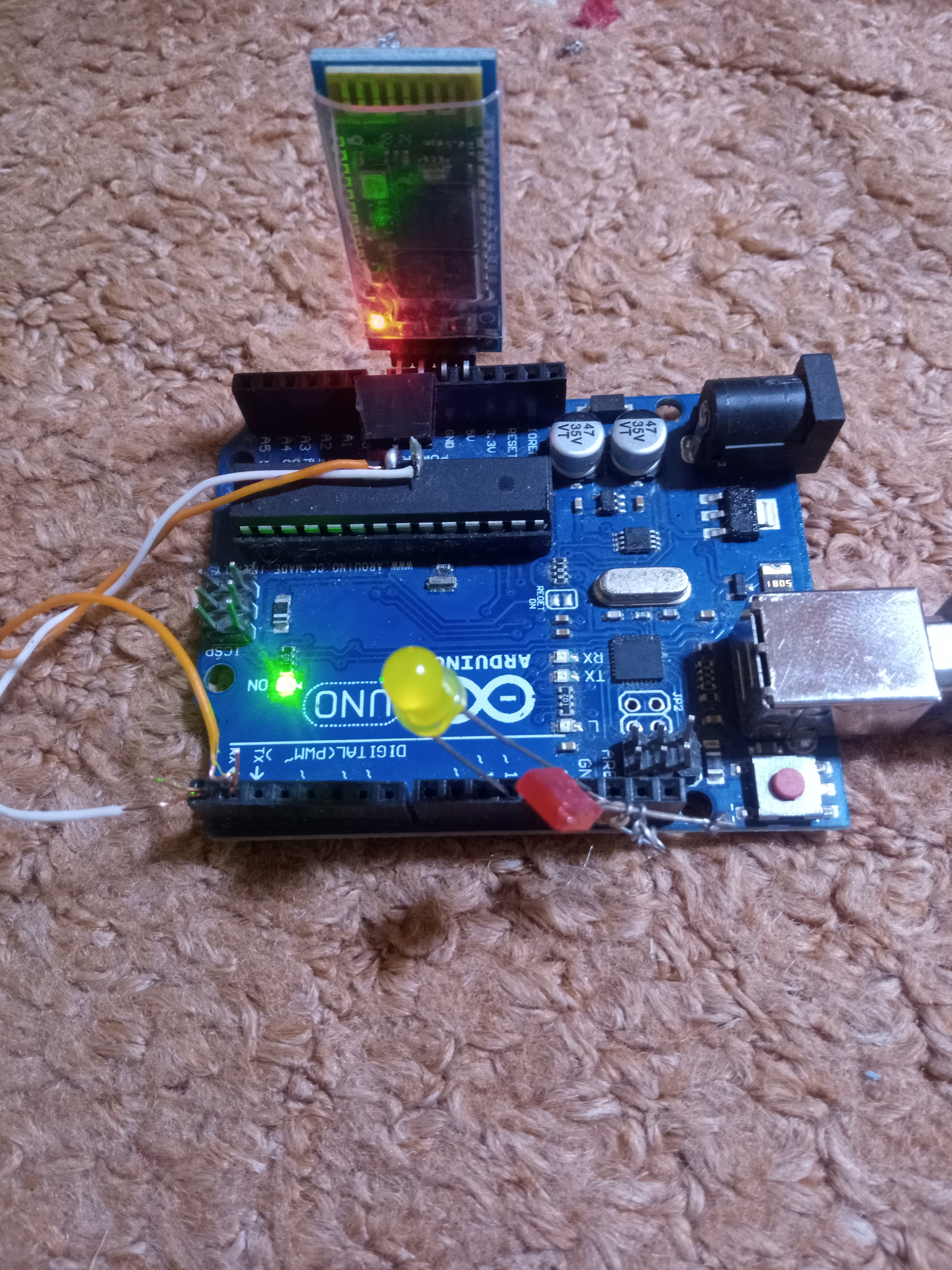
Complete Arduino Bluetooth Remote Control Home Automation Project (with Custom APK)
This project provides a complete, easy-to-build wireless home automation system controlled via Bluetooth using a custom Android application.
📺 Project Demonstration Video
Watch in Action:
YouTube Video Demonstration
📦 Required Components & Hardware
Arduino Nano microcontroller
Bluetooth Module (such as HC-05 or HC-06)
5V Relay Module (4-channel configuration)
NPN Transistor (e.g., BC547 or 2N2222 for relay driving)
1k Resistor (for transistor base current limiting)
5V DC Power Supply
🔌 Wiring & Pin Connections
Bluetooth Module: Connected to Pins 2 and 3 of the Arduino Nano (using SoftwareSerial).
Relay Control Pins: Connected to Arduino Analog Pins configured as digital outputs:
Relay 1: Pin
A1Relay 2: Pin
A2Relay 3: Pin
A3Relay 4: Pin
A4
💻 Arduino Source Code
Copy and upload the following sketch to your Arduino Nano:
#include <SoftwareSerial.h>

// Bluetooth module connected to pins 2 (RX) and 3 (TX) of Arduino
SoftwareSerial mySerial(2, 3);

#define relay1 A1
#define relay2 A2
#define relay3 A3
#define relay4 A4

char val;

void setup() {
  pinMode(relay1, OUTPUT);
  pinMode(relay2, OUTPUT);
  pinMode(relay3, OUTPUT);
  pinMode(relay4, OUTPUT);

  digitalWrite(relay1, LOW);
  digitalWrite(relay2, LOW);
  digitalWrite(relay3, LOW);
  digitalWrite(relay4, LOW);

  mySerial.begin(9600);
  Serial.begin(9600);
}

void loop() {
  // Check incoming serial data from Bluetooth Android App
  while (mySerial.available() > 0) {
    val = mySerial.read();
    Serial.println(val);
  }

  // Relay Turn ON Commands
  if (val == '1') {
    digitalWrite(relay1, HIGH);
  }
  else if (val == '2') {
    digitalWrite(relay2, HIGH);
  }
  else if (val == '3') {
    digitalWrite(relay3, HIGH);
  }
  else if (val == '4') {
    digitalWrite(relay4, HIGH);
  }

  // Relay Turn OFF Commands
  else if (val == 'A') {
    digitalWrite(relay1, LOW);
  }
  else if (val == 'B') {
    digitalWrite(relay2, LOW);
  }
  else if (val == 'C') {
    digitalWrite(relay3, LOW);
  }
  else if (val == 'D') {
    digitalWrite(relay4, LOW);
  }
}